
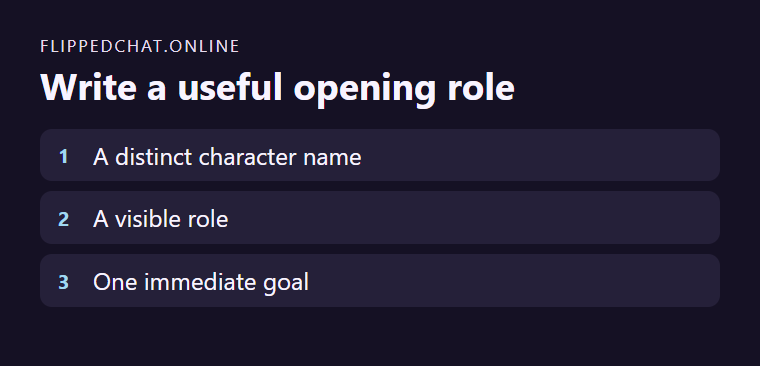
Give your Persona a fictional name, a role the other speaker can recognize and one immediate goal. Flipped.Chat’s FAQ describes Persona as a way to supply information the characters can use during interaction. A compact role card gives you a clearer way to judge the very first reply.
Describe only what the scene can use
For a fictional stage rehearsal, write “Rae, adult lighting technician. I need the cue number for the final scene. The director controls when rehearsal stops.” This gives the AI character a reason to answer and leaves the director’s decision open.
Send a simple first question about the cue. If the answer treats Rae as the director, add one clear sentence about whose decision it is. Review the reply again with the same question before changing the rest of the story. A specific role correction is easier to evaluate than a longer biography.
Keep the event log outside the role card
Once the characters agree on a rehearsal time, put it in a short scene note. That decision can change in a later rehearsal. The character’s role as a lighting technician belongs in the more stable Persona. Separating the two makes it easier to start a new scene without taking an old choice for granted.
Use fictional details the scene needs. The service’s privacy policy discusses information provided through its features and support, so leave personal contact or workplace information outside the story. Keep a local copy of the role card and use it as a baseline when you compare openings.